Caps Lock - From Shouting to Superpower
Rethinking the functionality of a forgotten key could lead to a powerful new tool.
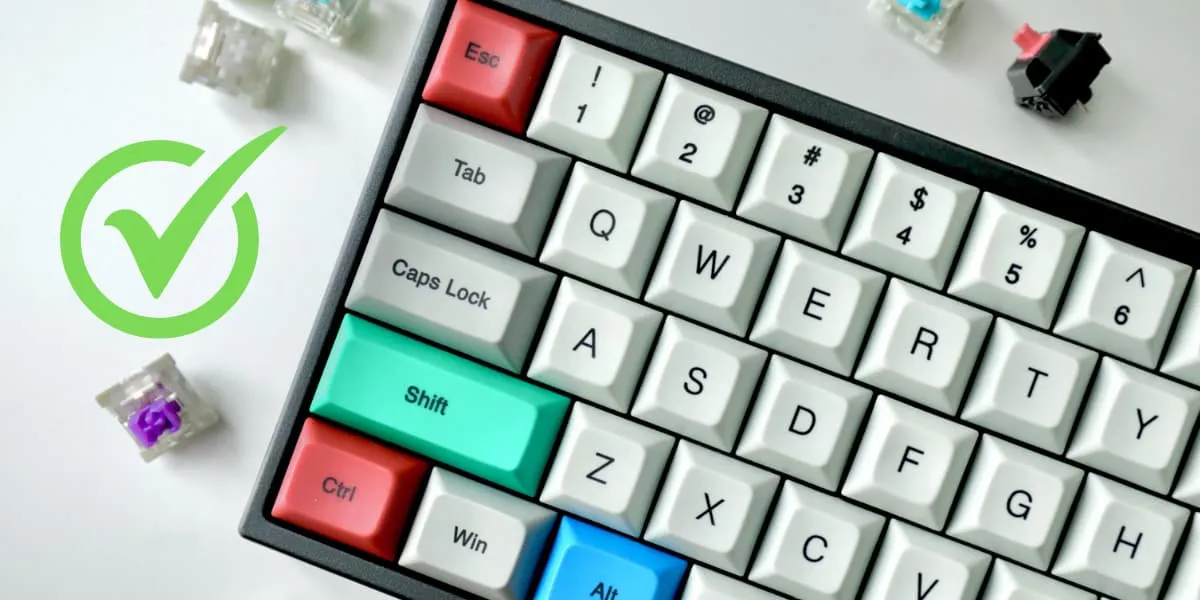
Caps Lock sits in prime keyboard real estate—right next to your home row—but most people only use it for SHOUTING IN ALL CAPS. That’s a waste.
I remapped mine to do something useful: tap it for Escape (great for vim), hold it as a modifier for arrow keys, Home, End, Backspace, and Delete. No more reaching across the keyboard.
Linux
Starting with Linux, we can configure caps lock using xremap (works with both the X11 and Wayland environment).
Provided below is the configuration I currently use. Tapping the caps lock key makes it the escape button. This is very useful for us vim lowers. Holding it down and it acts like a modifier for easier access to keys like Home, End, Back space, Delete and all the arrow keys.
Grab the latest release and save it to a convenient location, for example: /home/user/bin/xremap
Create a new file named xremap-config.yml (or a similar) in your configuration directory /home/user/.config/xremap-config.yml:
virtual_modifiers:
  - CapsLock
keymap:
  - remap:
      CapsLock-h: Left
      CapsLock-j: Down
      CapsLock-k: Up
      CapsLock-l: Right
      CapsLock-d: Delete
      CapsLock-f: BackSpace
      CapsLock-i: Home
      CapsLock-o: End
modmap:
  - remap:
      KEY_CAPSLOCK:
        held: KEY_CAPSLOCK
        alone: KEY_ESC
To be able to start xremap when we boot up, create a systemd service with the following contents and save it to: /etc/systemd/user/xremap.service.
[Unit]
Description=Start xremap

[Service]
Type=simple
ExecStart=/home/user/bin/xremap /home/user/.config/xremap-config.yml --watch

[Install]
WantedBy=default.target
Notice the --watch flag, this makes xremap watch for newly connected devices and apply the configuration to them as well.
Then we need to run the following commands to enable it:
systemctl --user daemon-reload - Reload so systemctl can find our new service.
systemctl --user start xremap.service - Start the service.
systemctl --user enable xremap.service - Make the service start on boot.
MacOS
In MacOS we can achive the same functionaliy using an application called Karabiner and loading the script provided by https://github.com/Vonng/Capslock. Follow the installation steps to get started.